> ## Documentation Index
> Fetch the complete documentation index at: https://docs.postiz.com/llms.txt
> Use this file to discover all available pages before exploring further.
# Media library
> Everything you have uploaded, in one searchable place
**Where:** the Media section, or **Insert Media** inside the composer
Every file you upload or generate lands in the media library, so you can reuse
it without hunting for the original.
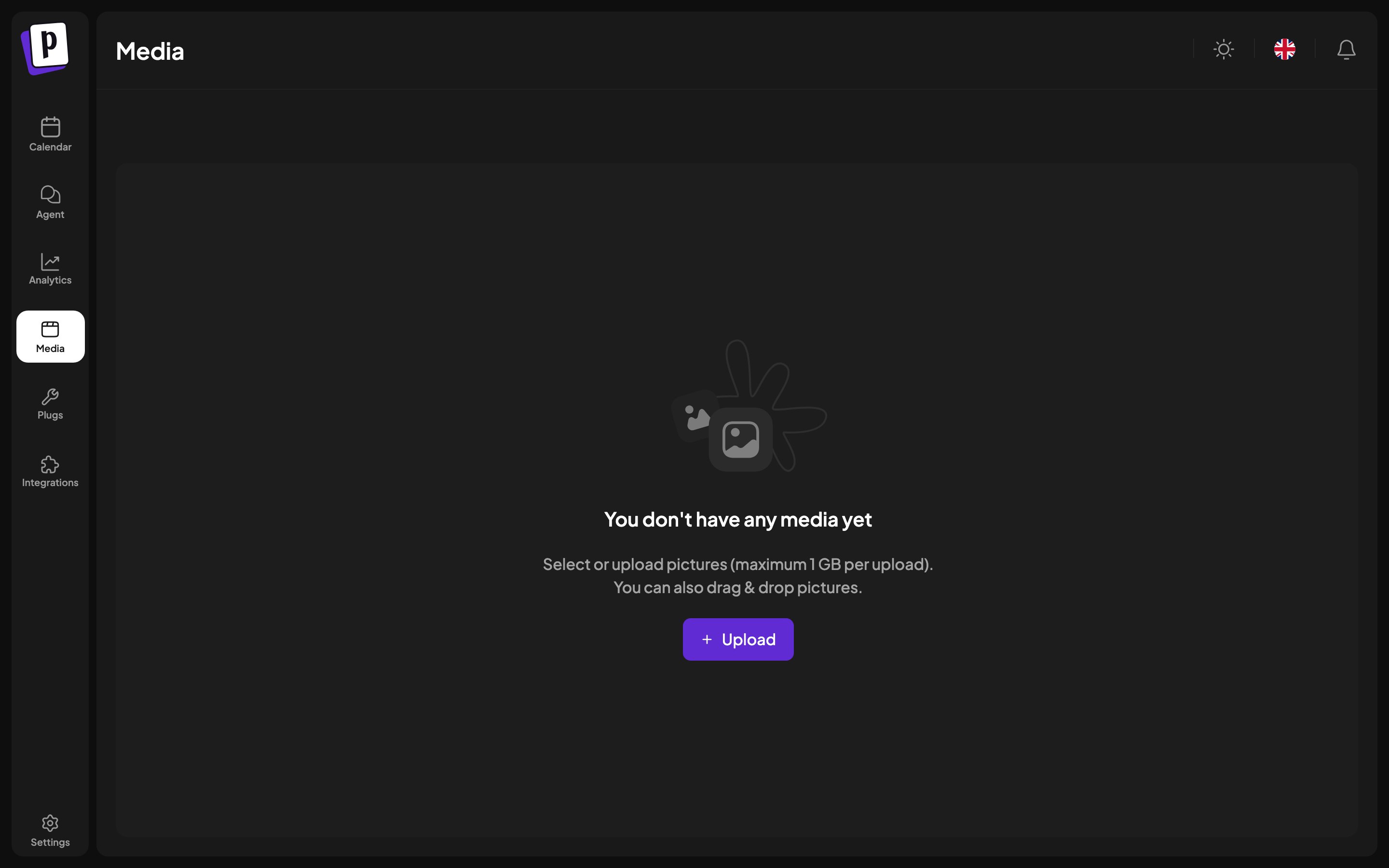 ## What is in it
* Files you uploaded from the composer or from this page.
* Images and video generated by AI, see
[AI generation](/general/composer/ai-and-imports).
* Media imported from a connected third-party service.
## Working with it
| Action | How |
| ----------------- | --------------------------------------------- |
| **Upload** | The upload button, or drag files in |
| **Search** | By file name |
| **Preview** | Maximise any item |
| **Delete** | Per item |
| **Use in a post** | Open the library from the composer and select |
Results are paginated rather than infinite scrolling, so a large library stays
usable.
## Limits
Images are capped at 10 MB each and video at 1 GB, and the accepted types are
JPEG, PNG, GIF, WebP, AVIF, BMP, TIFF and MP4. Postiz reads the real type from
the file contents, so renaming the extension does not help.
## Where library media is used
Besides posts, the library is the picker for:
* A channel's bot picture, see [Manage a channel](/general/channels/manage).
* An OAuth app's icon, see [Developer settings](/general/settings/developers).
* Attachments in the [AI agent](/general/agents) chat.
## Deleting
Deleting removes the file from the library. Posts that already published are
unaffected, since the platform holds its own copy. Scheduled posts still
referencing a deleted file will fail at publish time, so check before removing
anything recent.
## What is in it
* Files you uploaded from the composer or from this page.
* Images and video generated by AI, see
[AI generation](/general/composer/ai-and-imports).
* Media imported from a connected third-party service.
## Working with it
| Action | How |
| ----------------- | --------------------------------------------- |
| **Upload** | The upload button, or drag files in |
| **Search** | By file name |
| **Preview** | Maximise any item |
| **Delete** | Per item |
| **Use in a post** | Open the library from the composer and select |
Results are paginated rather than infinite scrolling, so a large library stays
usable.
## Limits
Images are capped at 10 MB each and video at 1 GB, and the accepted types are
JPEG, PNG, GIF, WebP, AVIF, BMP, TIFF and MP4. Postiz reads the real type from
the file contents, so renaming the extension does not help.
## Where library media is used
Besides posts, the library is the picker for:
* A channel's bot picture, see [Manage a channel](/general/channels/manage).
* An OAuth app's icon, see [Developer settings](/general/settings/developers).
* Attachments in the [AI agent](/general/agents) chat.
## Deleting
Deleting removes the file from the library. Posts that already published are
unaffected, since the platform holds its own copy. Scheduled posts still
referencing a deleted file will fail at publish time, so check before removing
anything recent.