

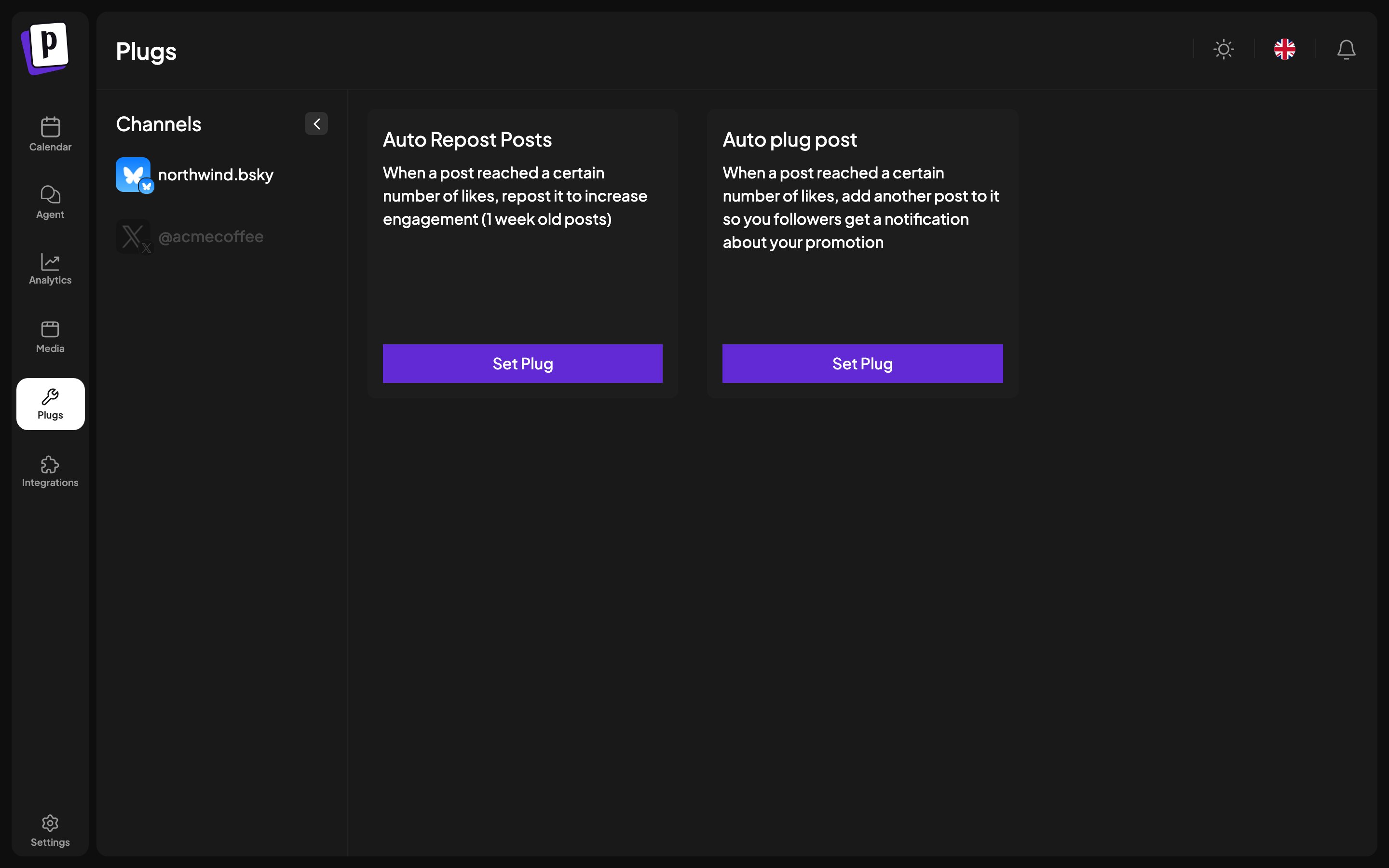
The two plugs
Auto Repost Posts. When a post reaches a number of likes you choose, repost it to put it back in front of people who missed it. Only applies to posts up to a week old. Auto plug post. When a post reaches a number of likes you choose, add a follow-up post to the thread, so everyone who engaged gets a notification. This is the standard “if this did well, here is the link” pattern, which keeps the promotional link out of the original post. Both run periodically after publishing and give up after a few checks, so a post that never reaches the threshold is simply left alone.Which platforms have them
The Plugs page only lists channels that have plugs available, so if the page
looks empty, connect one of the four above.
Setting one up
1
Open Plugs
Pick the channel from the list.
2
Turn the plug on
Each plug has an on/off switch.
3
Set the threshold
Amount of likes is the trigger. Set it against what your posts
normally do, not what you wish they did: a threshold nothing reaches means
the plug never fires.
4
Fill in the content
Auto plug needs the follow-up content to post.
5
Save
It applies to posts published from then on.
Plugs inside the composer
Some plugs are configured per post rather than per channel, and appear in the channel’s settings panel in the composer. Those cover things like adding comments from a different account, or nominating accounts that will engage with the post. They carry their own delay setting, from 5 minutes to 24 hours.Things to check
- Plugs act on likes, so a channel whose analytics are unavailable cannot drive them.
- The follow-up counts as a real post on the platform and is subject to the same rate limits and rules.
- Reposting week-old content repeatedly is a good way to annoy an audience. One well-chosen threshold beats an aggressive one.