

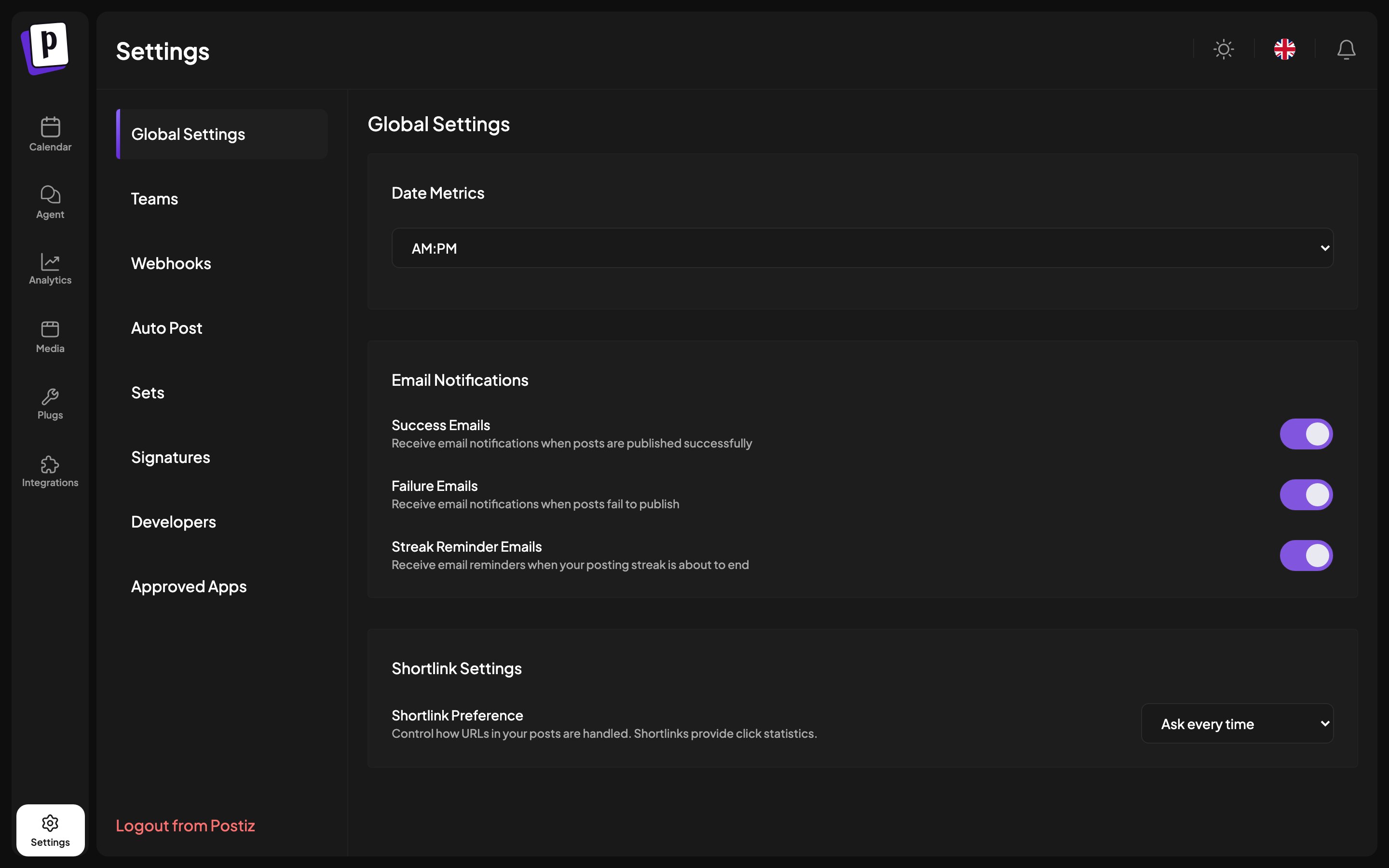
The tabs
Why a tab is missing
- Postiz Cloud
- Self-hosted
Global settings
Date metrics
Switches times between AM/PM and 24 hours.This is stored in your browser, not on your account, so it does not follow you
to another machine. There is no timezone setting at all: Postiz always uses
your browser’s timezone.
Email notifications
Three independent toggles:- Success emails, when a post publishes.
- Failure emails, when a post fails. Worth keeping on, since a silently failing channel is the failure mode that costs you most.
- Streak reminder emails, nudges to keep your posting streak alive.
On self-hosted Postiz: these only arrive if an email provider is
configured, see Email configuration.