

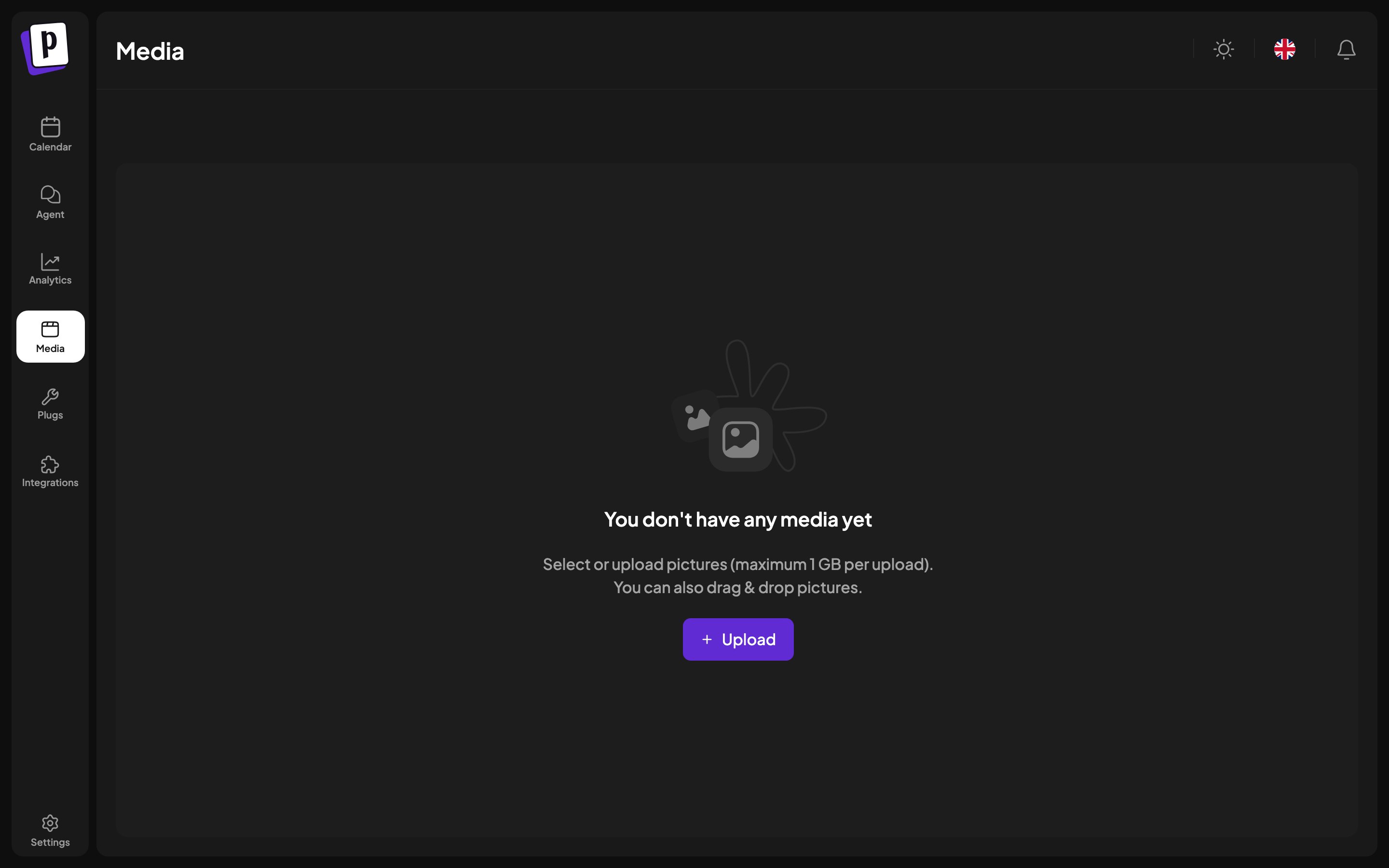
What is in it
- Files you uploaded from the composer or from this page.
- Images and video generated by AI, see AI generation.
- Clips made by video clipping.
- Media imported from a connected third-party service.
Working with it
Results are paginated rather than infinite scrolling, so a large library stays
usable.
Limits
Images are capped at 10 MB each and video at 1 GB, and the accepted types are JPEG, PNG, GIF, WebP, AVIF, BMP, TIFF and MP4. Postiz reads the real type from the file contents, so renaming the extension does not help.Where library media is used
Besides posts, the library is the picker for:- A channel’s bot picture, see Manage a channel.
- An OAuth app’s icon, see Developer settings.
- Attachments in the AI agent chat.